Parallels Desktop: Create a New Virtual Machine
This article has not been updated recently and may contain dated material.
Getting Started
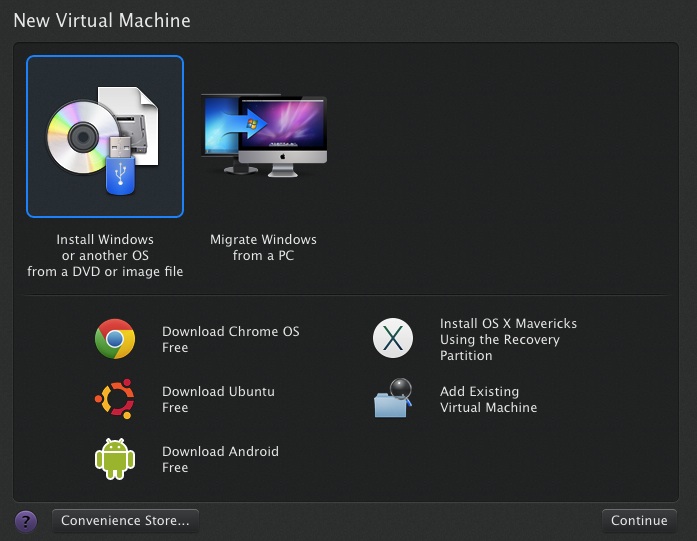
Before you can begin using Parallels Desktop, you must first create a Virtual Machine. There are multiple ways that you can do this:
- Install Windows or another OS from a DVD or image file
- Migrate Windows from a PC
- Download Chrome OS Free
- Download Ubuntu Free
- Download Android Free
- Install OS X Mavericks Using the Recovery Partition
- Add Existing Virtual Machine
Create a New Virtual Machine
Referenced from: Parallels
17428
9/25/2024 8:50:06 AM